YouTube Analytics
YT Analytics tracks any YouTube channel's performance without an account — enter an email and a channel URL and, after a 6-digit email OTP, watch subscriber growth, daily views, and top-video metrics render in interactive charts. n8n workflows collect and store the data, a proxy route handler keeps the API key server-side, and SWR caches responses for five minutes to avoid redundant webhook calls.
- Category
- Workflow Automation
- Role
- Solo design & engineering
- Backend
- n8n workflows
- Status
- Live · Open source
YouTube APIn8nNext.jsData Visualization
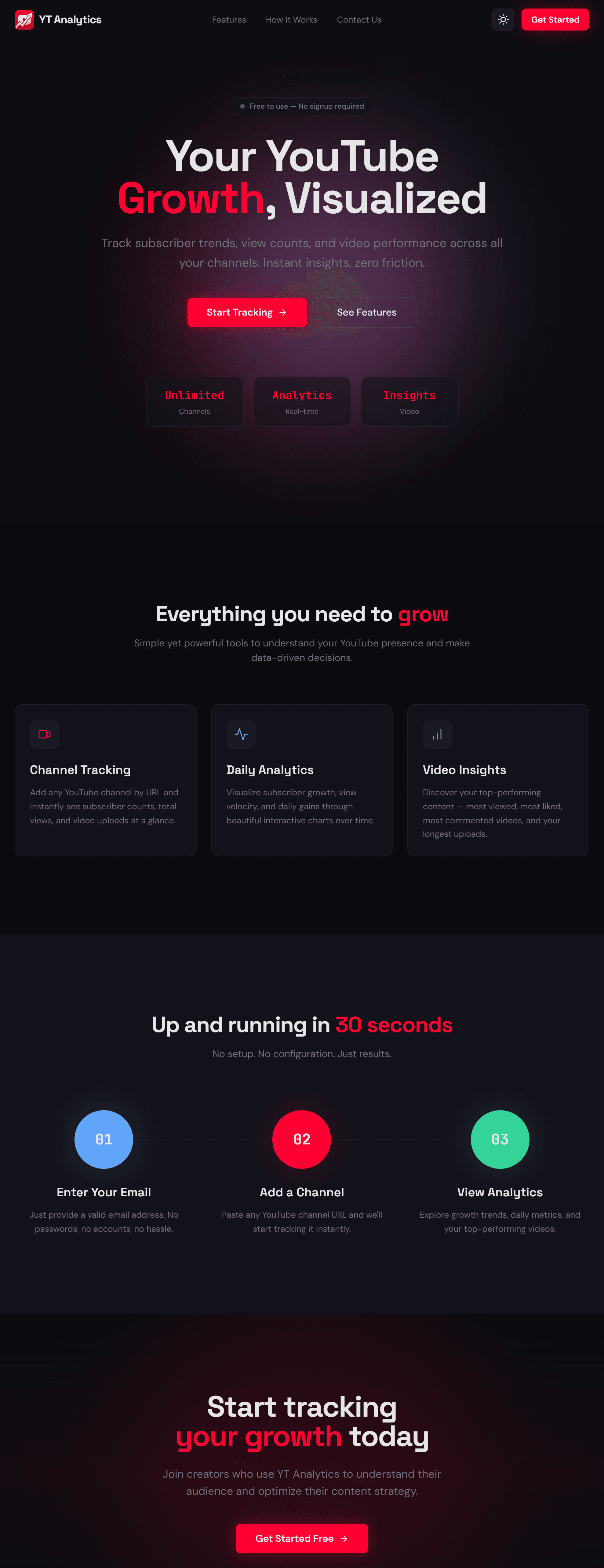
Any channel, no signup.
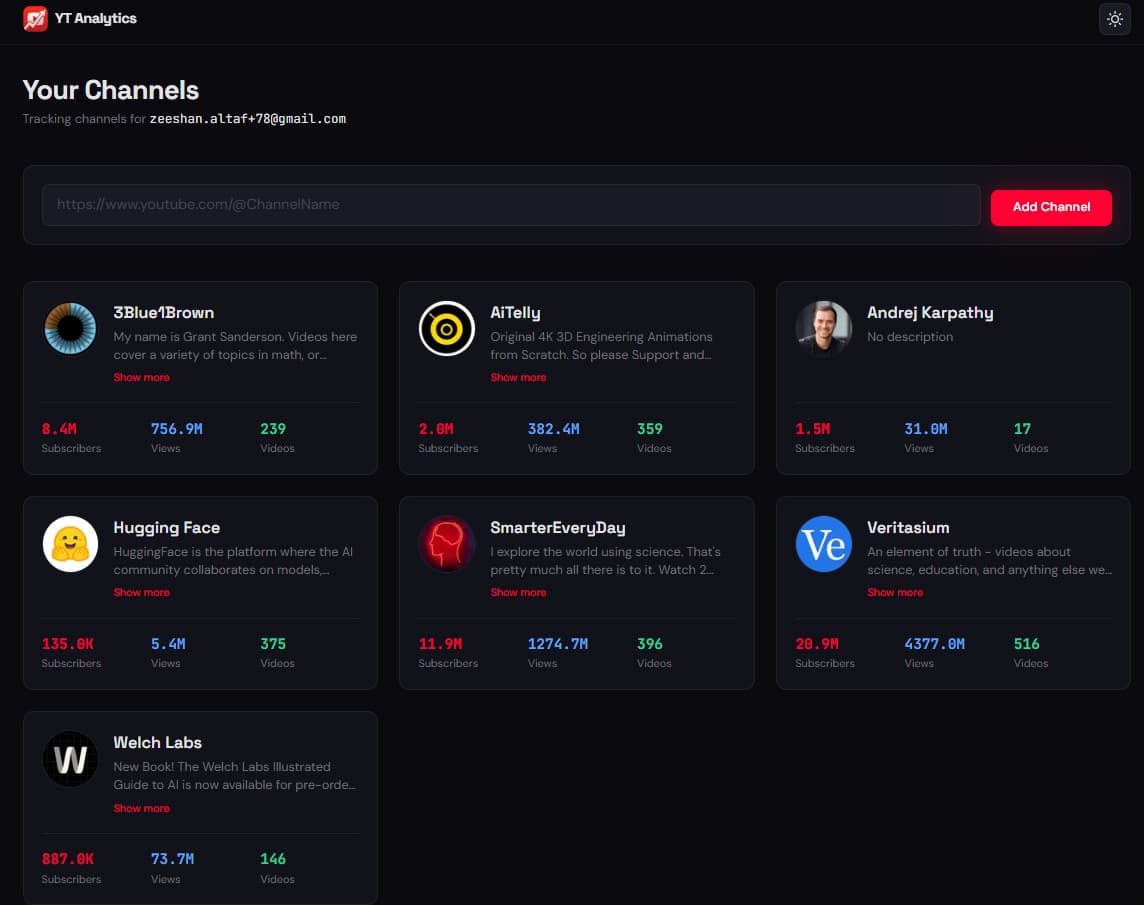
Channel tracking
Add and monitor any YouTube channel by URL — no account required.
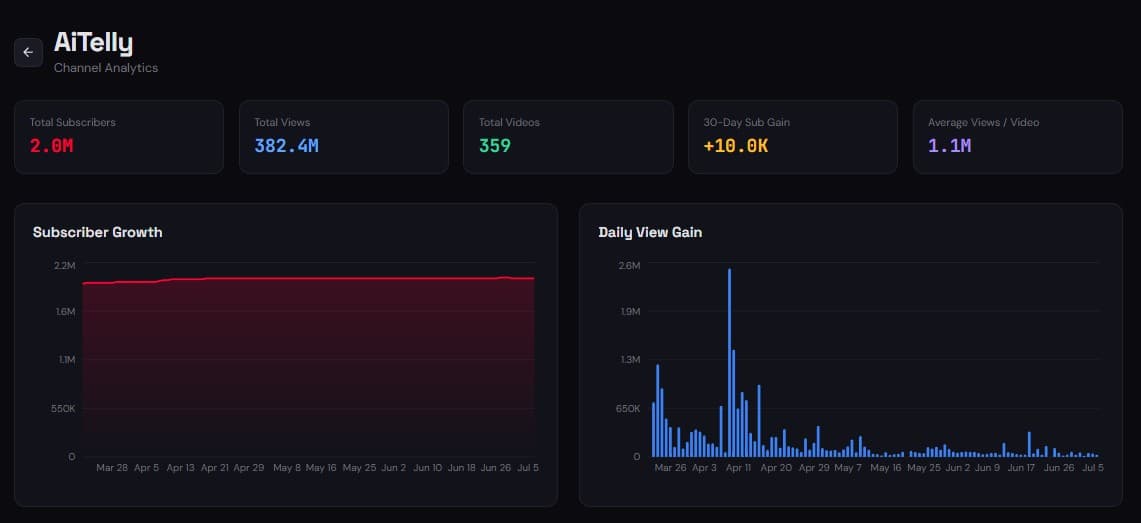
Growth & view charts
Subscriber-trend area charts and daily-view bar charts built with Recharts.
Video highlights
Top performers ranked by views, likes, comments, duration, and recency.
Channel statistics
Total subscribers, views, video count, 30-day gain, and average views per video.
How a channel is added.
- 1Enter an email and a YouTube channel URL.
- 2A 6-digit OTP is emailed and verified before any data loads.
- 3The frontend calls /api/webhook, which injects the key and forwards to n8n.
- 4n8n fetches and stores the channel's metrics.
- 5SWR caches the response for five minutes and renders the charts.
Proxy and cache.
Proxy route handler
One /api/webhook handler identifies the event, injects the key server-side, and forwards to n8n.
Seven webhook events
Channel retrieval and storage, tracked-channel lookup, daily snapshots, video metrics, deletion, OTP, and contact.
SWR caching
Five-minute response caching prevents redundant webhook calls.
A closer look.