DocGenie
Multi-Format Document Q&A
DocGenie lets you upload a document and talk to it. Drop in a PDF, DOCX, TXT, or CSV and ask questions in plain language; a RAG pipeline answers from the document's contents across multiple, independent chat sessions that persist and auto-title themselves. Claude does the reasoning through n8n webhooks, a credit system meters documents and messages separately, and a context-cached dashboard keeps everything in sync.
- Category
- RAG Application
- Role
- Solo design & engineering
- AI engine
- Claude via n8n
- Status
- Live · Open source
Next.jsReactTypeScriptTailwind CSSShadcn/UIBetter Authn8nOpenAI LLM
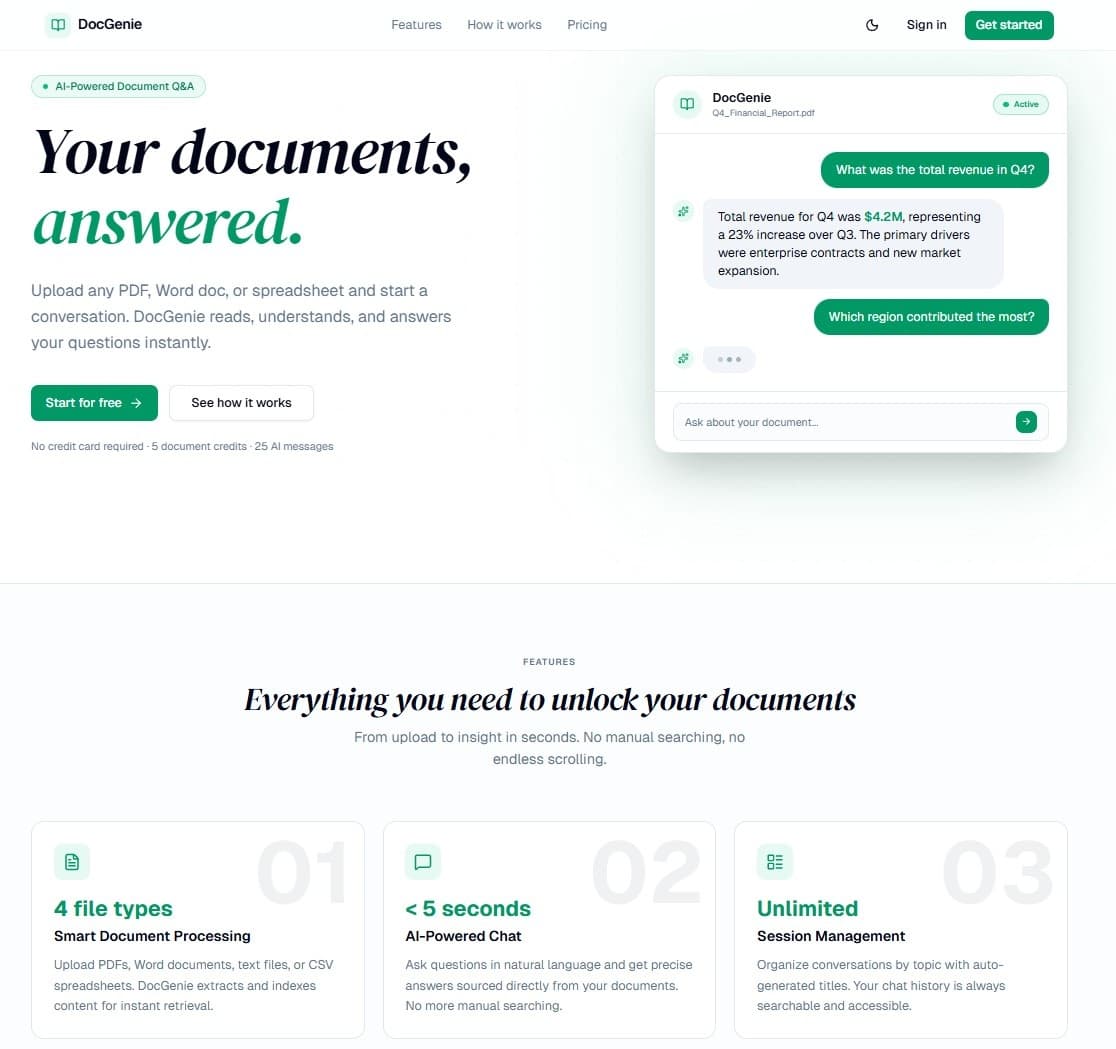
Upload, then ask.
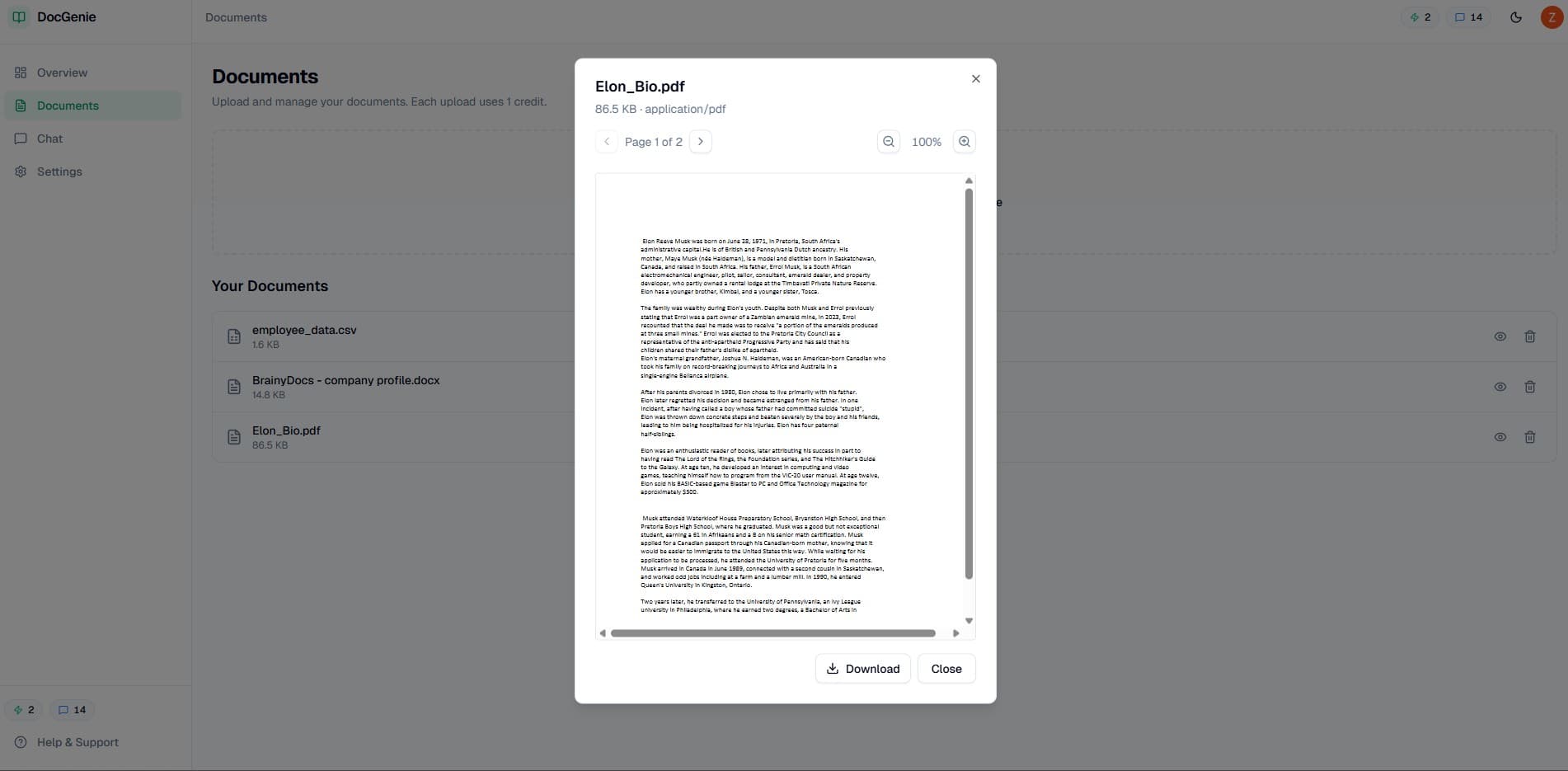
Multi-format upload
PDF, DOCX, TXT, and CSV up to 5MB, drag-and-drop with instant processing and a managed library.
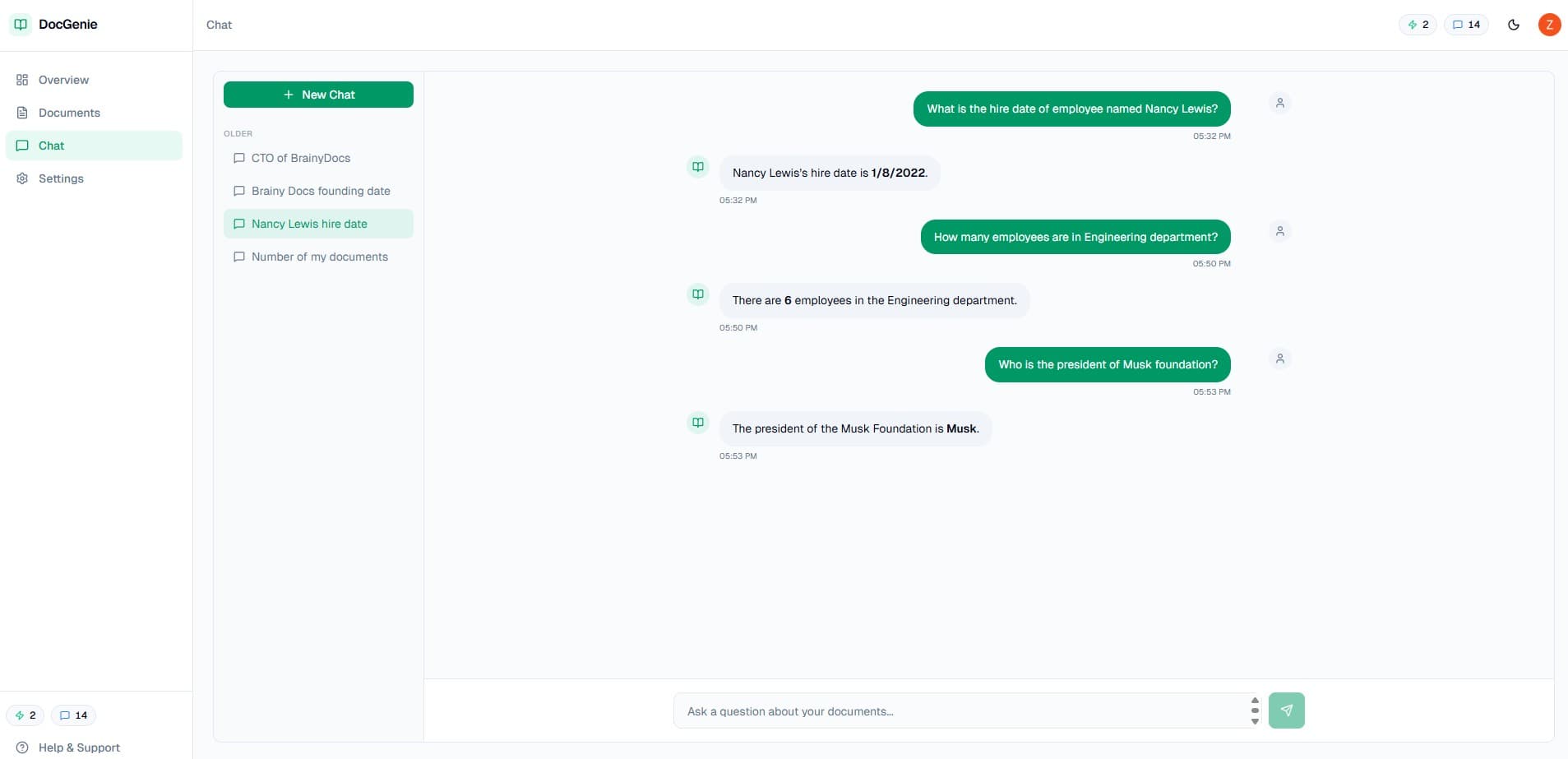
Document chat
Natural-language Q&A across multiple independent sessions with auto-generated titles and persistent history.
Two credit pools
Five document credits and 25 message credits on signup, tracked in real time.
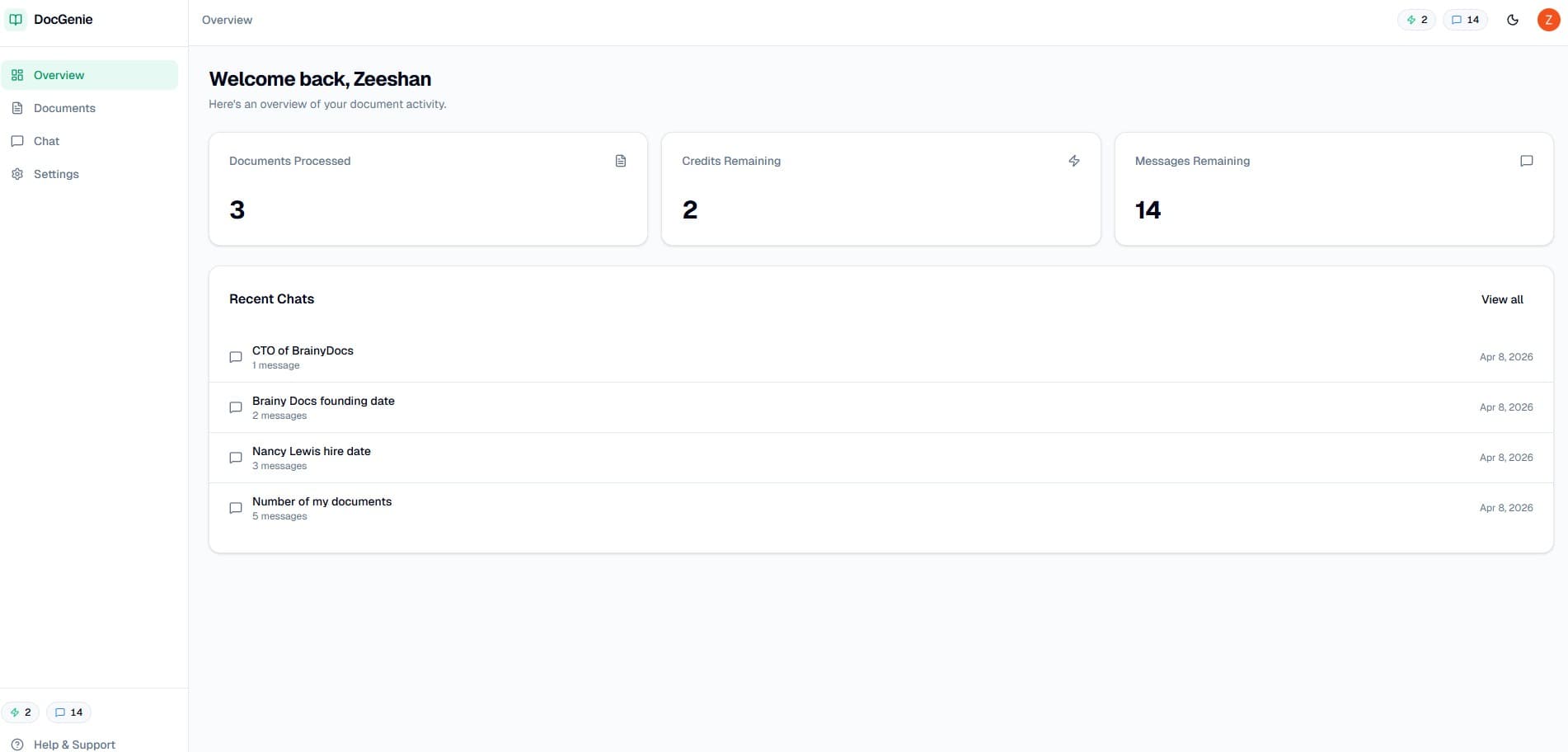
Dashboard
Document count, credit and message balances, and recent sessions with quick navigation.
How a question is answered.
- 1Upload a document; it's ingested and added to your library.
- 2Start a chat — the session ID is generated client-side with crypto.randomUUID().
- 3Your question hits an API route that forwards to an n8n webhook.
- 4n8n runs RAG with Claude and returns an answer with history.
- 5The DashboardDataProvider Context refreshes only what changed.
Eight workflows, one context.
n8n webhooks
Eight workflows handle ingestion, chat, titling, analytics, credits, retrieval, deletion, and contact — each keyed by x-api-key.
Session design
n8n creates the session record on the first message; no separate creation call is needed.
DashboardDataProvider
Fetches analytics, documents, sessions, and credits once, with targeted refresh methods for each.
A closer look.